
Case card icons explained
Reference of all status icons that appear on case cards in EstVis Workflow buckets and what they mean.
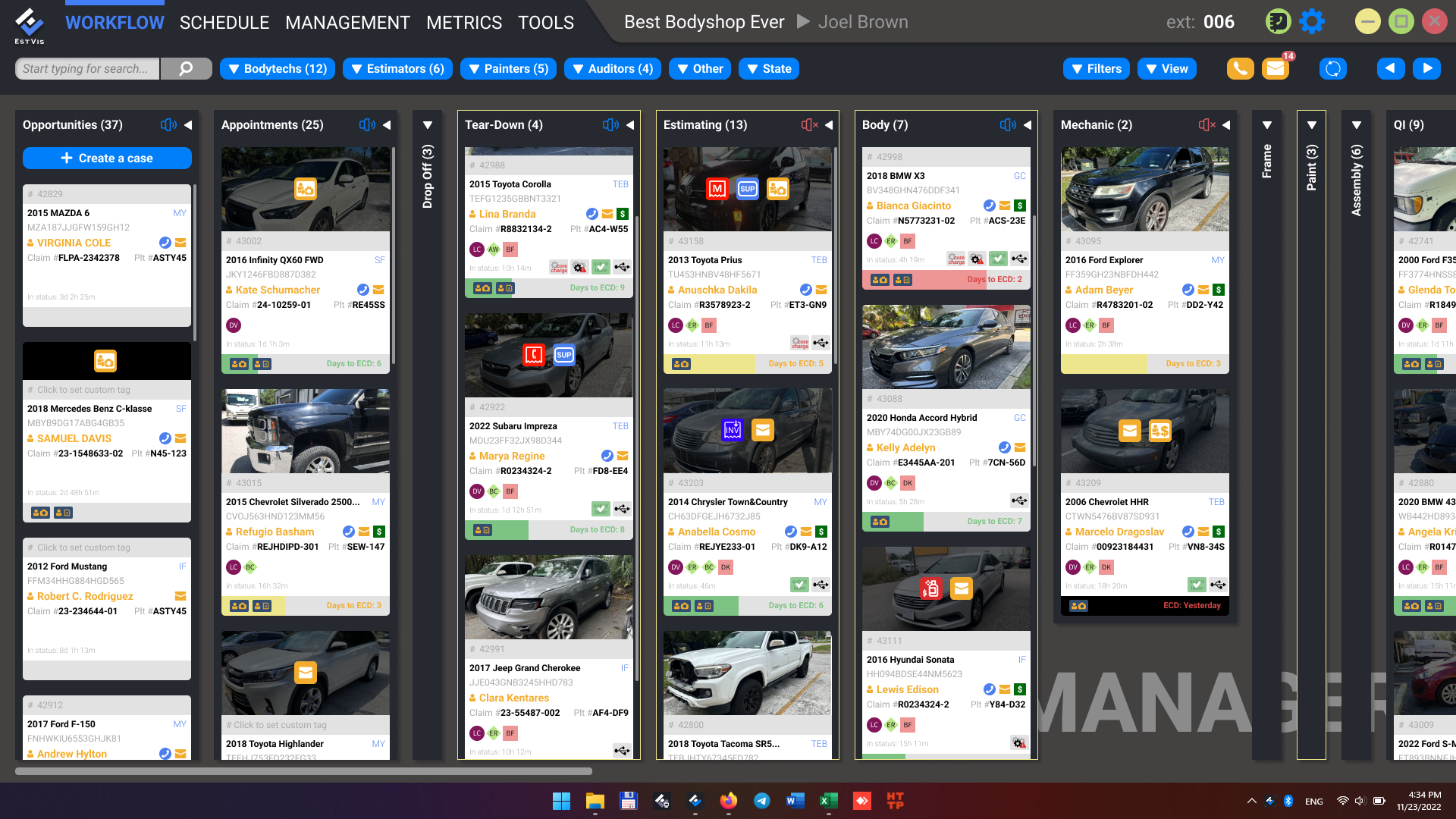
On the main EstVis Workflow screen, cases are represented by cards organized into vertical buckets. To make important events on a case visible at a glance, EstVis displays small status icons on the case card. Each icon highlights an item that requires attention or an action by the staff – for example, a new customer message, an unposted invoice, a missing labor line in the estimate, or a part that has not been returned.
Some icons disappear automatically once the underlying issue is resolved (the action is performed, the file is reviewed, the supplement is created, etc.).
Icons reference
The table below lists all status icons that may appear on a case card, what each one means, and what action is expected.
| Icon | Meaning | Notes / expected action |
|---|---|---|
 | Deductible / betterment is not paid | Reminder to additionally charge the customer for deductible / betterment |
 | A missed call from the case's customer | – |
 | A new paint invoice received | There's a paint invoice to check for paint material difference. The icon disappears when a supplement is created |
 | A part has not been returned | The return invoice is expected |
 | Part issue | Implies a custom text note explaining the issue |
 | Parts price difference detected | There's an invoice with a part whose actual list price differs from the estimate list price |
 | Zero labor detected in the estimate | The estimate has a zero-hours labor line (not included) |
 | Re-export is needed | The estimate has been auto-updated – re-export is needed |
 | Potential missed profit for mechanical labor | The estimate has one or more mechanical labor lines without hours and a corresponding flag |
 | Additional services requested by the customer | – |
 | Files received from the customer | It can be a signed work authorization and/or damage pictures, so the bodyshop may pre-order the parts needed for repair |
 | A new message received from the customer | – |
 | Part's special order | The ordered part is flagged as a special order |
 | A part in the warehouse / in stock | The part is available through the bodyshop's warehouse |
 | Estimate rules | The estimate has missed lines from the estimate rules |
 | A new invoice received | The invoice must be posted |
 | A new supplement picture | Must be reviewed and the supplement must be done |
 | New text note | – |