Creating account
How to create an account in EstVis
- Go to estvis.com website and click REGISTER button at the top menu.
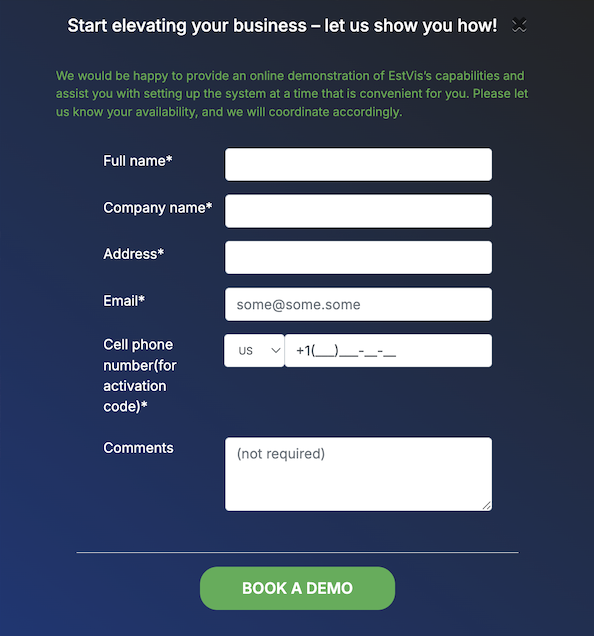
- Fill in all the fields, make sure you have filled in all the required fields that are marked with * sign.
- Make sure you entered the correct cell number to get the confirmation code by SMS.
- You can type some notes or additional requests in the Comments field.
- Finally click BOOK A DEMO.
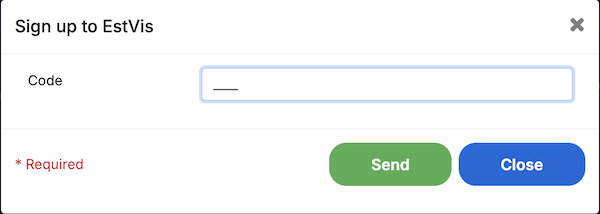
Then you should receive 4-digit confirmation code by SMS - fill it in the corresponding field on the next screen and click SEND.