Mobile apps installation
EstVis mobile apps for iOS and Android installation
EstVis mobile app (client) – the app for iOS and Android platforms. It partly duplicates some Workflow's functionality, as well as includes some specific features like: photo documentation process; scanning and recognizing VIN and DRL; scanning invoices; parts and materials transfer through scanning QR codes and other features.
EstVis mobile client can be installed in two ways:
1) By visiting EstVis web site
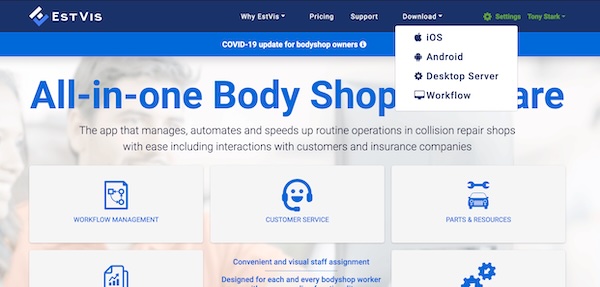
- Go to EstVis main web site and tap on the icon in the left upper corner.
- Open the sidebar menu and click Download.
- Choose the appropriate option from the menu depending on the platform you are using – iOS or Android.
- This will redirect you to the AppStore or GooglePlay page with the EstVis application.
- Follow the instructions to install the app.
2) Direct installation from the AppStore or GooglePlay
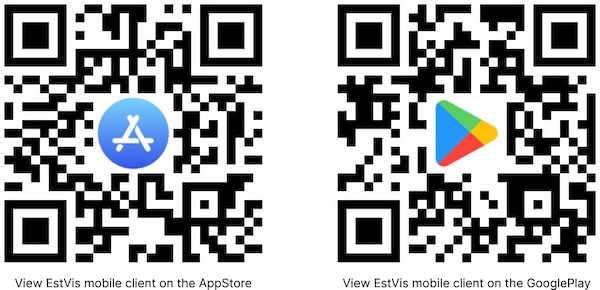
Alternatively, you can download the app right from the AppStore or GooglePlay using the appropriate QR code below or click one of the link depending on your device's platform: