
Workflow Installation
How to install EstVis Workflow
Workflow provides users with a certain number of convinient interfaces – these are the main interface with buckets and cases (work orders) inside; case details; estimate; photo documentation; invoices; parts; payrolls and many others – the availability of the specific interfaces depends on the role(s) of the user, who is logged into the Workflow instance.
To install Workflow go to EstVis main web site, click Download on the top panel of the page and choose Workflow – the file will start downloading.
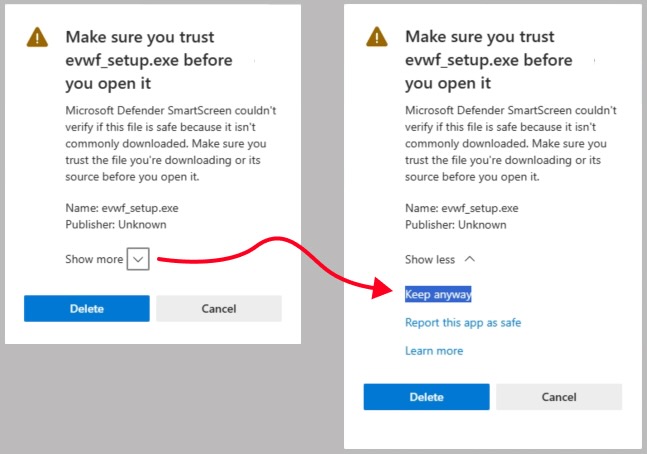
On some versions of operating system, when Microsoft Defender SmartScreen is enabled, a window may pop up warning that the uploaded file is not verified – in this case, click Show more at the bottom of the warning window and then click Keep anyway.
Launch the installation package when it is downloaded and follow the instructions on the screen.
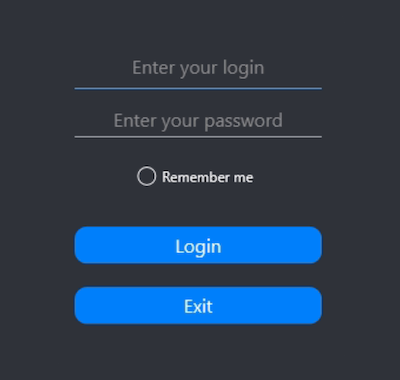
After the installation is complete, run the program and enter your credentials on the authorization screen that opens – use credentials for the user account if you have created one before or you may use manager’s (administrative) credentials you had received earlier in Email #2 with the subject Welcome to EstVis | Step 1 of 2.